Quickstart
Use DiagramFlow Playground to generate your first diagram in under a minute. You will open Playground, paste a sample, generate a diagram, and then open the same sample from a ready-to-use link.
1) Open Playground
Playground is the fastest way to try DiagramFlow. Open it in a new tab, and you can start creating diagrams right away.
2) Paste this sample
Copy the sample below, then paste it into the code editor in Playground.
// Creates a simple left-to-right connection

title "Connection Directed Right"

a = EKS("a")
b = SQS("b")

a -> b
3) Generate your first diagram
After you paste the code, click Generate in Playground. DiagramFlow will render a diagram from the sample immediately.
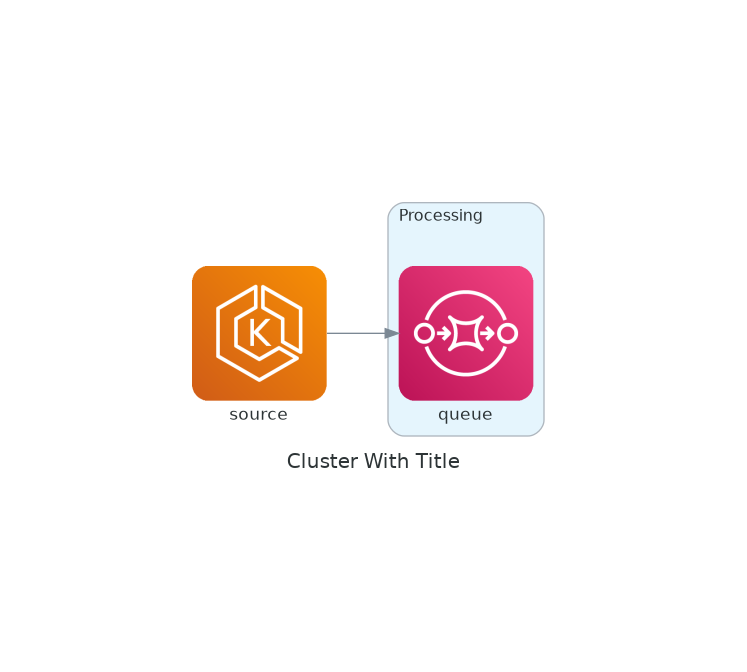
4) Example output
This is the diagram generated from the sample above.
5) Open this exact sample in Playground
Open this sample in Playground
This link opens Playground with the sample already filled in, so you can skip the copy and paste step.
6) Make one small edit
Rename b to eventsQueue, then regenerate. You will see the diagram update immediately.
Next step
You just created your first diagram. Next, add one more node and connect it with -> to model a slightly larger flow. Then continue with Nodes to learn how reusable elements work, or jump to Connections if you want to label and style flows.